Robotics education,
without the setup.
Learn or teach robotics in your browser: read the theory, write a Python controller, and run it on a real Webots robot simulation.
Free to try. No installation, meeting, or credit card.
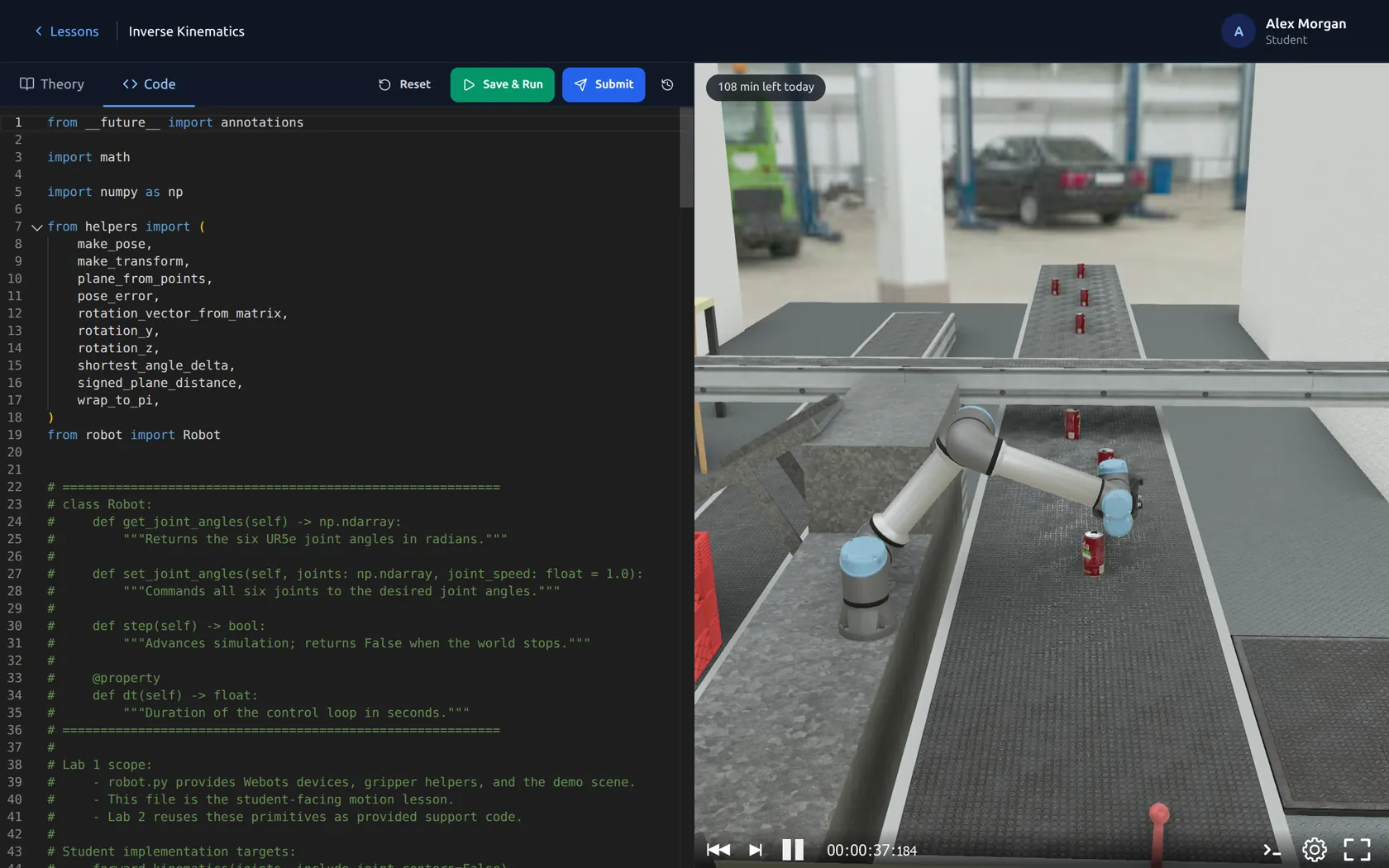
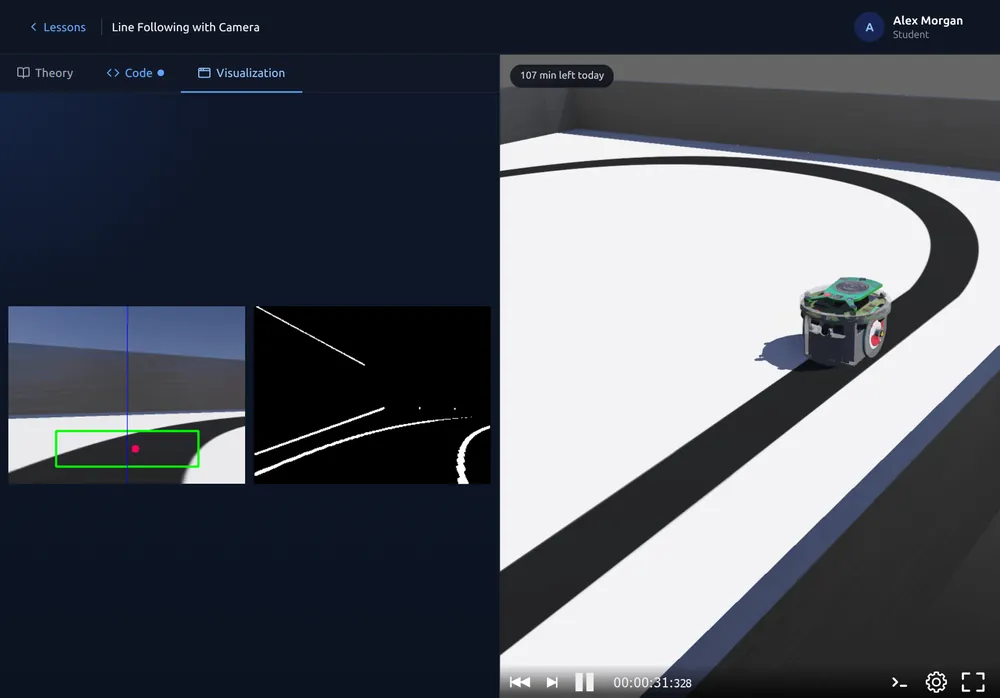
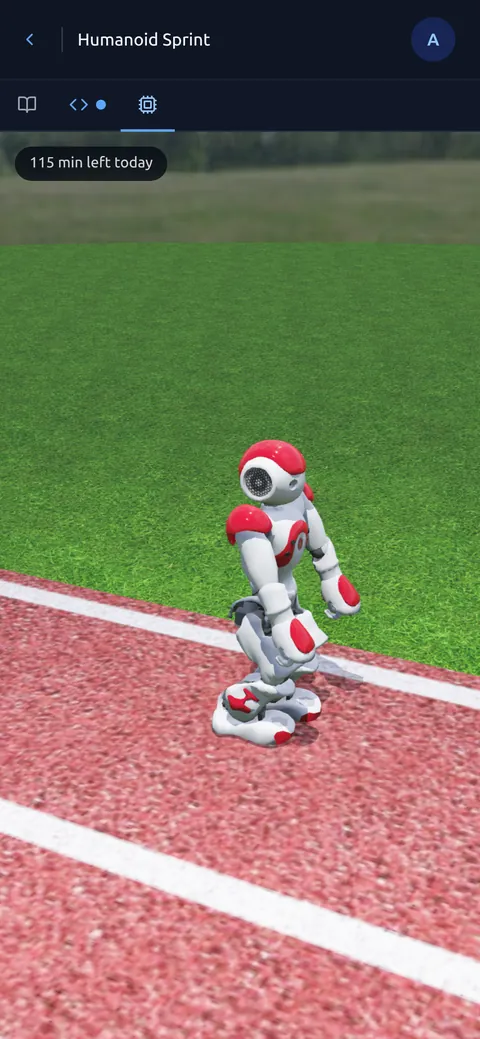
On any screen. Code and run simulations on a laptop, a tablet or a phone.
Powered by Webots
The real simulator, in the browser.
Webots is the open-source robot simulator from Cyberbotics, used in robotics teaching and research for decades: the physics, sensors and actuators of robots of every kind. Webots Academy runs it for you. Created by Spes Robotics in partnership with Cyberbotics, the makers of Webots.
Home robots
A robot vacuum cleaning an apartment.
Industrial automation
Robot arms picking cans from a conveyor into crates.
Rough terrain
A six-wheeled rover driving over sand dunes.
For educators
Teach the course. We handle the rest.
The four things that usually eat a robotics course's first weeks, already done.
-
Installation
Nothing to install
Students open a link. No Webots, Python packages, drivers or admin rights on lab or personal computers.
-
Compute
We host it
Simulations run on our GPU servers, not on students' laptops. Every student of a class gets an hour of simulation a day.
-
Preparation
Lessons ready
Start from ready-made lessons and partner courses, or add your own Webots projects from GitHub.
-
Grading
Submissions in one place
Each submission arrives with its code and the simulation's results. Review, comment, and export to CSV.
From sign-up to a running class
- 1Create a class
Pick lessons from the catalog or add your own material. - 2Test the assignment
Run it as a student with up to three testers, for free. - 3Activate when you teach
Invite the real class: assignments, submissions, results, and an hour of simulation a day for each student.
For learners
Pick a challenge. Code. Watch your robot.
Everything happens in one browser tab, on your own or in a course. Every lesson is public; running simulations uses your daily simulation time.
- 1Choose a challenge
Line following, odometry, robot arms, humanoids. - 2Write the code
The theory and a Python editor side by side. - 3Run the simulation
Save & Run restarts Webots with your code. - 4See what it does
The robot, its camera images and the results. - 5Move on
Harder lessons and complete partner courses.
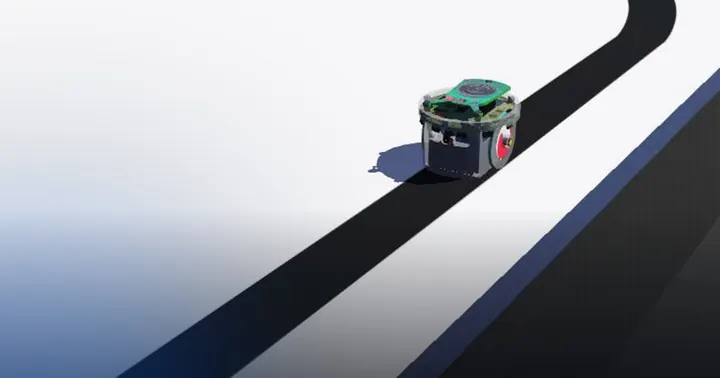
Line following with ground sensors
Read the floor with infrared sensors and steer an e-puck along a line with a state machine.
Run this lesson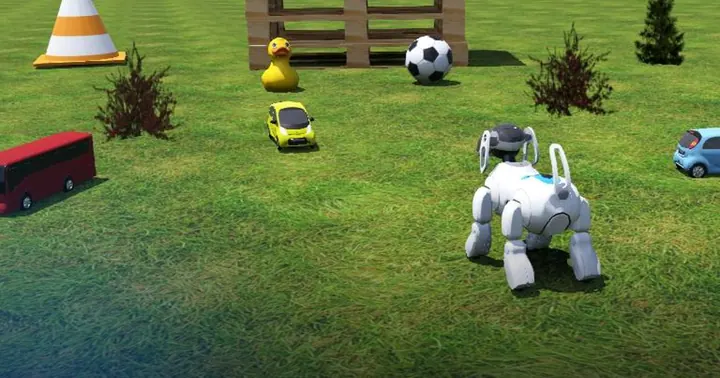
Visual tracking
Follow a coloured object with a camera and computer vision.
Run this lesson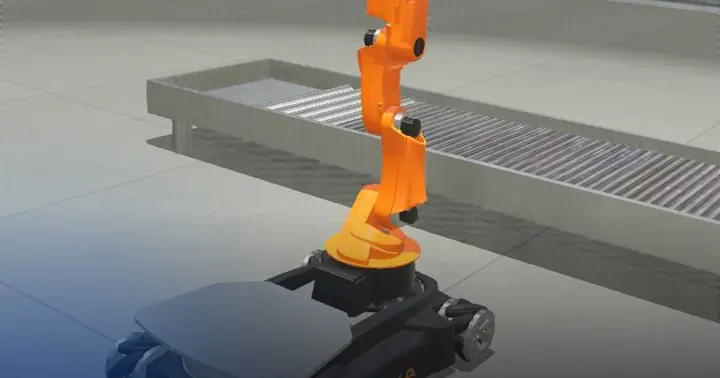
Pick and place
Control a robot arm to pick up objects and place them at their targets.
Run this lessonPricing
The lessons are free. You pay for simulation time.
Every lesson's theory is public. What costs money is the GPU server that runs Webots for you, so plans differ in how much simulation time they include. Learners buy for themselves; educators buy for a whole class.
For learners
Free
€0
Try any lesson.
- All public lessons and theory
- Saved code and progress
- 10 minutes of simulation a day
Student
€9 / month
For yourself. Cancel anytime.
- Everything in Free
- 1 hour of simulation a day
- Every lesson and partner course
In a course? Your professor's Class plan covers its lessons: you don't pay for coursework.
For educators
Evaluation
€0
Try the whole teaching workflow.
- One class with up to 3 students
- Assignments, submissions, reviews
- Your own lessons from GitHub
Class
€890 / semester
For your whole class. Students pay nothing.
- Up to 30 students
- 1 hour of simulation a day for each student, for the class's lessons
- Progress, results and CSV export
- Lesson export, no lock-in
Several professors or a whole department? Talk to us about an institution plan.
Prices in euros; taxes are added at checkout where they apply. Payments are handled by our reseller Paddle.com. See the Terms of Service and the Refund Policy.
Online payment is coming soon. Sign up and request a free month of the Student plan, or of the Class plan for your course.
How simulation time works
- Only playing counts. Reading, writing code, or a paused simulation use no time.
- Daily time resets at midnight UTC: 10 minutes on Free, 1 hour on Student and for each student of a Class plan.
- Class time is per student, every day, used only for the class's lessons and separate from the student's own time. A full class gets 30 Student plans' worth of time for €890 a semester instead of €1,620.
- When time runs out, new simulations wait for the next reset; code and progress stay saved. Need more? Ask us.
FAQ
Questions, answered
About learning robotics here, and what universities ask before buying. Something else? contact@webots.academy
Learning robotics
How can I learn robotics online without installing anything?
Open a lesson on Webots Academy in your browser. Each lesson explains the theory, gives you a robot controller to edit in Python, and runs it in a real Webots simulation on our GPU servers, so nothing is installed on your computer. Start with the lesson catalog or a partner course.
Is there a free robotics simulator I can use in my browser?
Yes. Webots Academy runs Webots, the open-source robot simulator, for you and shows it in your browser. The Free plan costs €0: every public lesson and its theory, saved code and progress, and 10 minutes of simulation a day, without a credit card. Start free.
Do I need a robot to learn robotics?
No. You program simulated robots: an e-puck, a Thymio, a Pioneer 3-DX, a UR5e arm, a KUKA youBot, a NAO humanoid and a car. Webots simulates their physics, sensors and motors, so you see what your code makes the robot do. See the lessons.
What programming language do I need?
Python. In every lesson you write the robot's controller in Python, in an editor beside the theory. The first lessons start small: drive a robot 25 cm forward or follow a line.
Can I use Webots Academy to teach a robotics course?
Yes. Create a class, pick lessons from the catalog or a partner course (or add your own Webots projects from GitHub), and invite your students with a link. Each submission arrives with its code and the simulation's results. One evaluation class with up to three students is free; the Class plan covers a real class of up to 30.
How much does it cost?
The lessons are free; you pay for simulation time. Free: €0 with 10 minutes a day. Student: €9 a month with 1 hour a day. Class: €890 a semester for up to 30 students, with 1 hour a day for each, and the students pay nothing. See pricing.
Does it work on a tablet or phone?
Yes. Webots runs on our servers, so an up-to-date browser on a laptop, a tablet or a phone is enough to read the theory, edit the code and watch the simulation. No graphics card or administrator rights are needed.
What is Webots?
Webots is the open-source robot simulator from Cyberbotics, used in robotics teaching and research for decades. It simulates the physics, sensors and actuators of robots of every kind. Webots Academy is made by Spes Robotics in partnership with Cyberbotics and runs Webots for you.
What will I learn?
Robot programming from first steps to advanced topics: motors and movement, PID control, line following, obstacle avoidance and wall following, odometry and localization, computer vision with cameras, inverse kinematics, grasping, collision avoidance, behavior trees, humanoid walking and driving in highway traffic. Lessons are marked beginner, intermediate or advanced; partner courses put them in order.
For universities
Can our university pay by invoice or purchase order?
A Class plan is paid online through Paddle, our reseller and merchant of record, which issues an invoice with the VAT for your country. For a purchase order, a bank transfer, or several classes at once, write to contact@webots.academy.
Who is the vendor?
Webots Academy is made by Spes Robotics in partnership with Cyberbotics, the makers of Webots. Payments are processed by Paddle.com, which appears on your invoice.
Can we try it before buying?
Yes. Every educator can run one evaluation class with up to three students, with assignments, submissions, and reviews, for free and without a card. Activate it with a Class plan when you teach the real course.
What do students need?
An up-to-date web browser on a laptop, a tablet or a phone. Nothing to install, no administrator rights, no graphics card. Students sign up with an email address.
Where is student data stored, and what do you collect?
Accounts and coursework are stored in the EU (Germany). Simulations run on our own GPU servers in Europe. We keep what the course needs: names, email addresses, code, and submissions. No advertising, no tracking cookies. Students can download their data from their account. Details in our privacy policy.
Can we use our own lessons? Are we locked in?
Use your own: a lesson is a Webots project on GitHub, so it stays compatible with standalone, open-source Webots, and you can export it at any time. You pay for the hosting, the compute and the class tools, not for access to your material.
What happens after the semester?
The class and its submissions stay. Without a new Class plan it works as an evaluation class again (up to three students), so you can prepare next semester before paying.
Do you offer department or institution licences?
Yes, for several professors or a whole department. Talk to us.
Start teaching, or start learning.
Both are free to try, right now, in your browser.